Design for Billions: Building for Users Who Can’t Read
Week 3 of 8: The GetSmart Token Series
Published: February 20, 2026 | Reading Time: 12 minutes
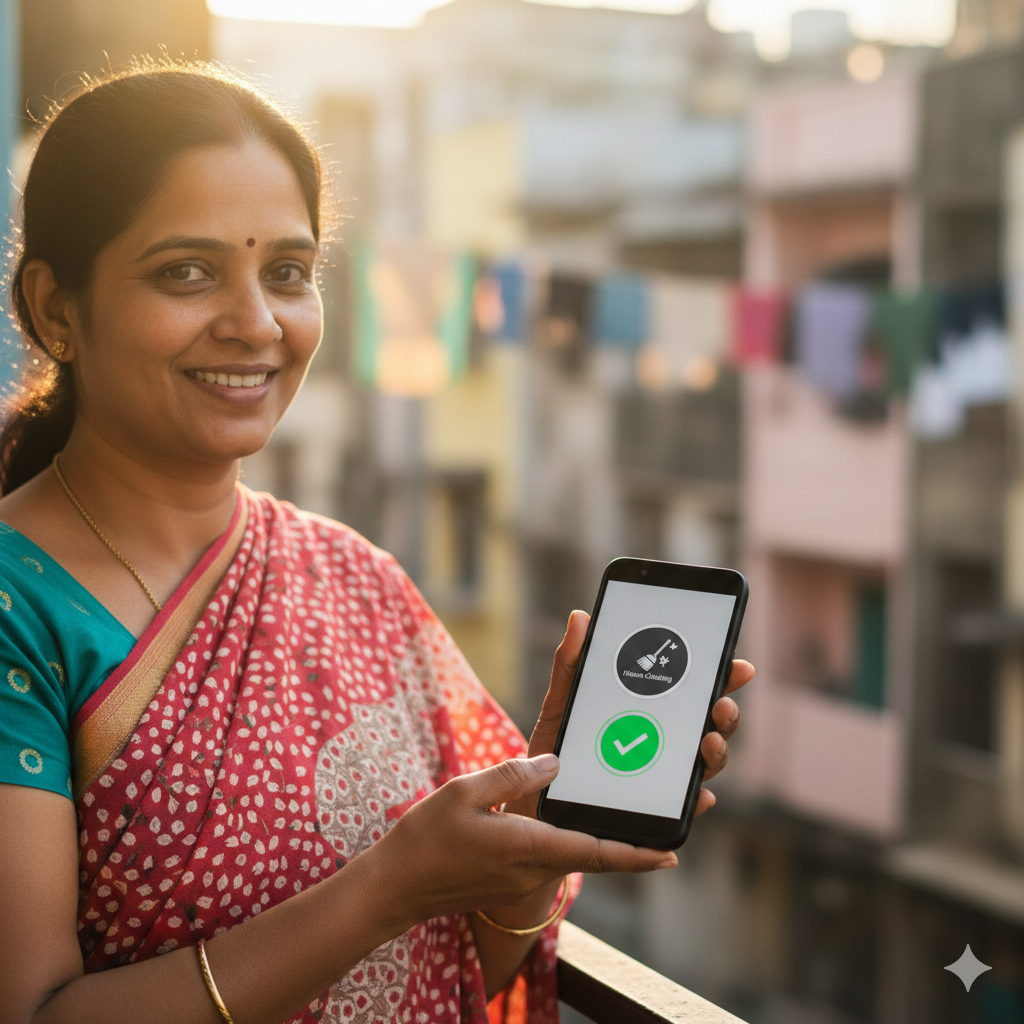
Our target user is a domestic worker in Mumbai who can’t read. She’s never used a smartphone app. She doesn’t speak English. She has 15 minutes between cleaning jobs.
In those 15 minutes, she needs to earn her first badge.
This isn’t a nice-to-have design challenge. It’s the core mission. If GetSmart doesn’t work for her, it fails.
TARGET USER PROFILE: PRIYA, AGE 34
- Education: 3 years of primary school
- Literacy: Can recognize some letters (Hindi)
- English: None
- Smartphone: Basic Android ($50 model)
- Data plan: 2GB/month prepaid
- Technical skill: Uses WhatsApp voice messages
NEEDS TO: Find available badges, apply with photo proof, and receive credentials—all without reading.
The Five Core Principles
- Icons Over Words: 🏠 📸 ✓ 💰 work in every language.
- One Action Per Screen: Never ask users to think about two things at once.
- Camera First, Typing Never: Photos prove work; no text input needed.
- Voice Everywhere: Speak instead of type in any language.
- Gestures Not Menus: Swipe, tap, hold—no navigation bars.
Principle 1: Icons Over Words
GetSmart uses universal symbols to transcend language barriers and reduce cognitive load.
| Traditional App | GetSmart App |
|---|---|
| Apply for Badge | 📝 Icon |
| Upload Photo | 📸 Icon |
| Submit Application | ✓ Icon |
Principle 2: One Action Per Screen
Every screen asks for exactly ONE thing to prevent decision paralysis.
- Screen 1: Swipe to find work.
- Screen 2: Tap camera to take photos.
- Screen 3: Tap checkmark to confirm.
- Screen 4: Celebrate rewards!
Principle 3: Camera First, Typing Never
Text input is the enemy of accessibility. We have eliminated text boxes, bio fields, and optional comments. Instead, photos prove the work was done.
Principle 4: Voice Everywhere
For users who can speak but can’t type, GetSmart supports voice input in 25 languages, including Hindi, Swahili, and Tagalog.
Principle 5: Gestures Not Menus
We use intuitive gestures like Swiping (up for details, down for home) and Shaking (to cancel) rather than complex hamburger menus.
Accessibility Features Matrix
| Feature | Benefit |
|---|---|
| Voice Input | Works for illiterate users; no typing. |
| Icon-only UI | Universal understanding. |
| Offline Mode | Works without constant internet. |